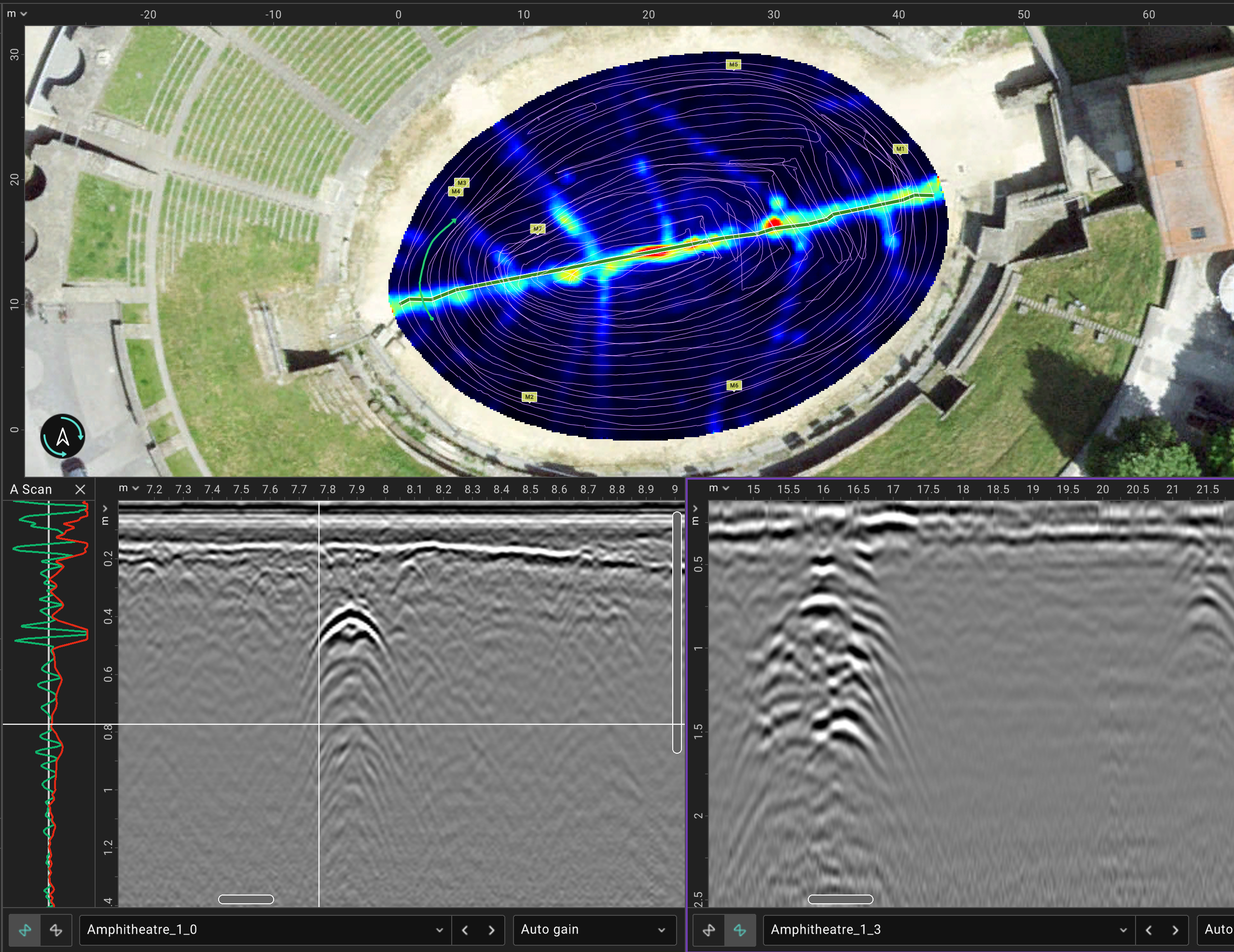
Visualization
Advanced visualization
C-scans, B-scans, A-scans at the same view and 3D visualization. Satellite images, as-built maps and other overlays.
Import your raw GPR files, process, visualise, tag and export — all in a browser. Desktop version also available.
GPR Insights is a cloud & desktop-based platform for advanced post-processing, visualization, and interpretation of ground-penetrating radar (GPR) data. It combines powerful processing filters with intuitive workflows to enable fast 3D data generation and real-time visualization.
Designed to simplify complex datasets, it allows users to apply customizable filters, create multiple data views quickly, and integrate layers such as georeferenced images, maps, and interpretation objects. Fully manufacturer-agnostic, GPR Insights supports data from any GPR system or format, enabling teams to seamlessly combine and analyse single- and multi-channel datasets in one unified environment.
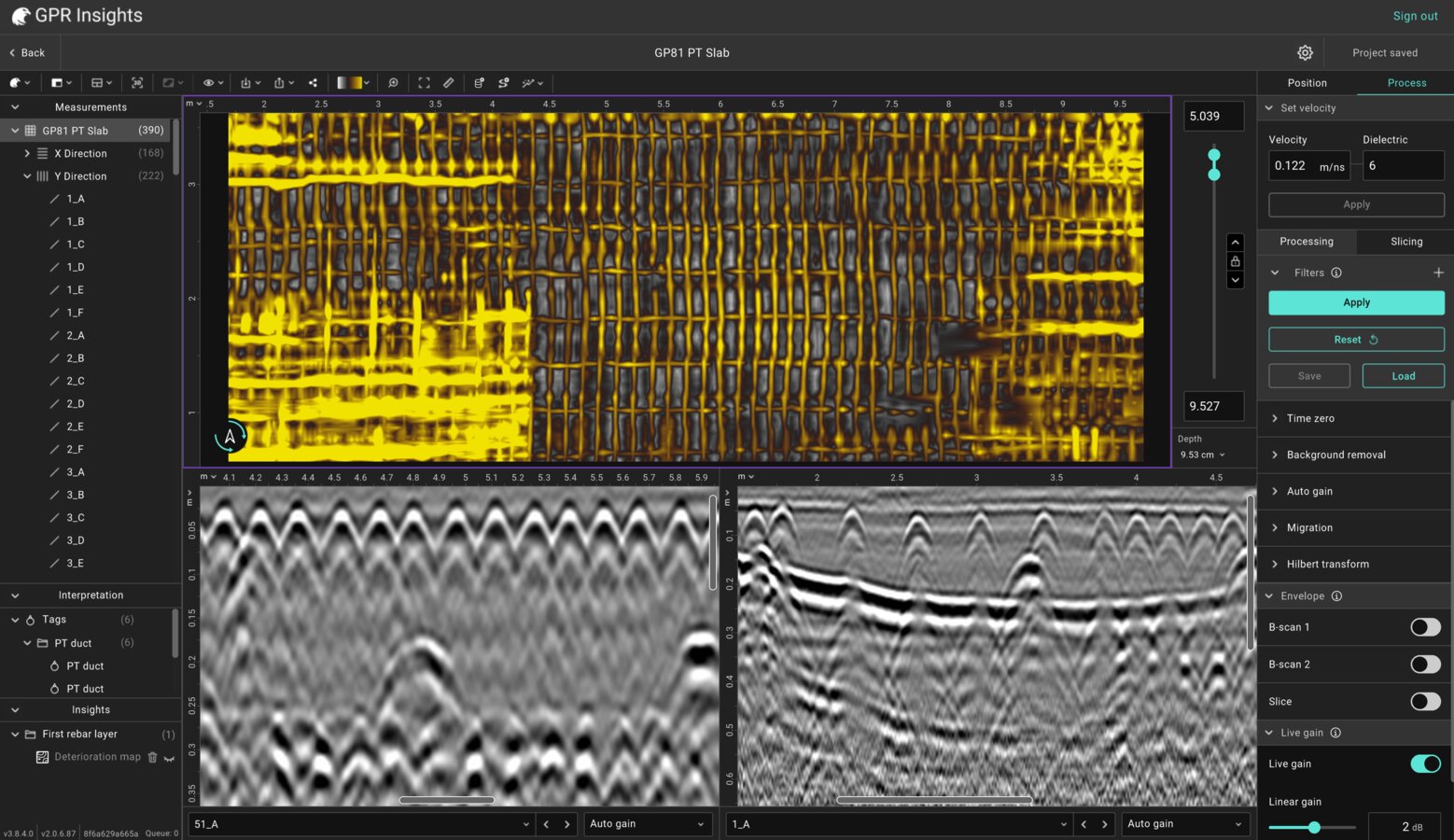
Reach engineering decisions faster, with less specialist overhead.
C-scans, B-scans, A-scans at the same view and 3D visualization. Satellite images, as-built maps and other overlays.
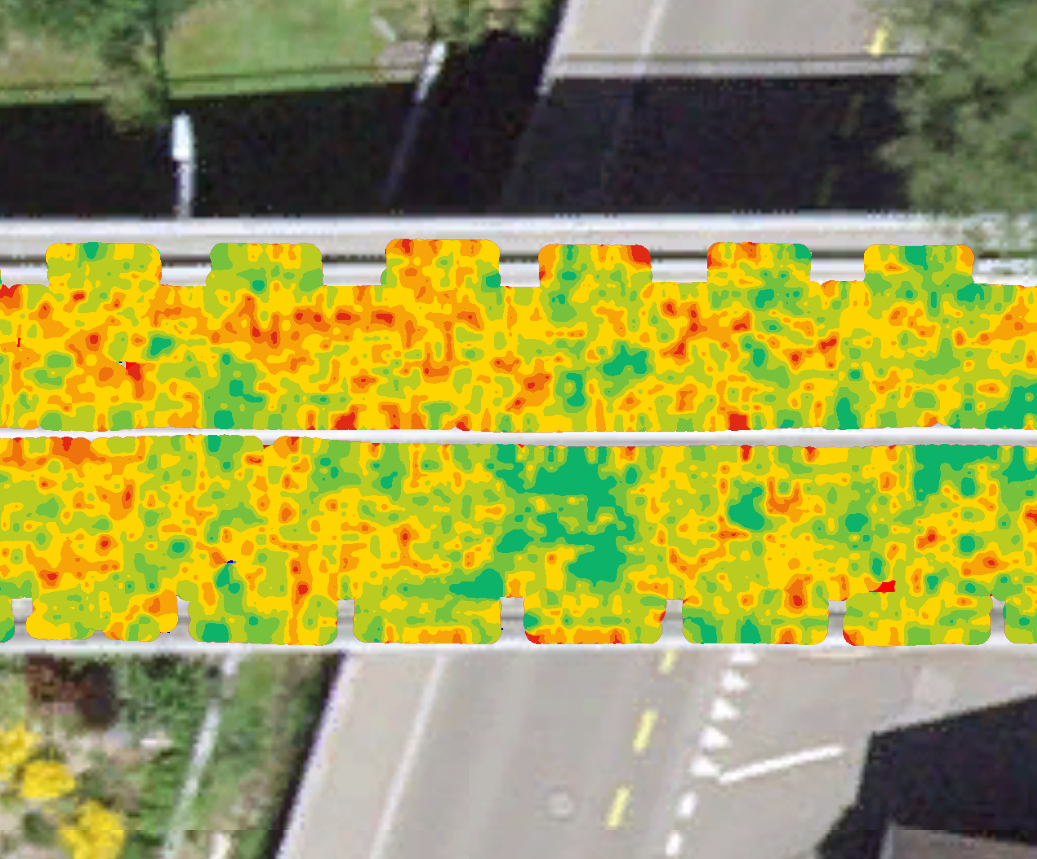
Auto-detection of reinforcement in concrete and creation of condition maps.
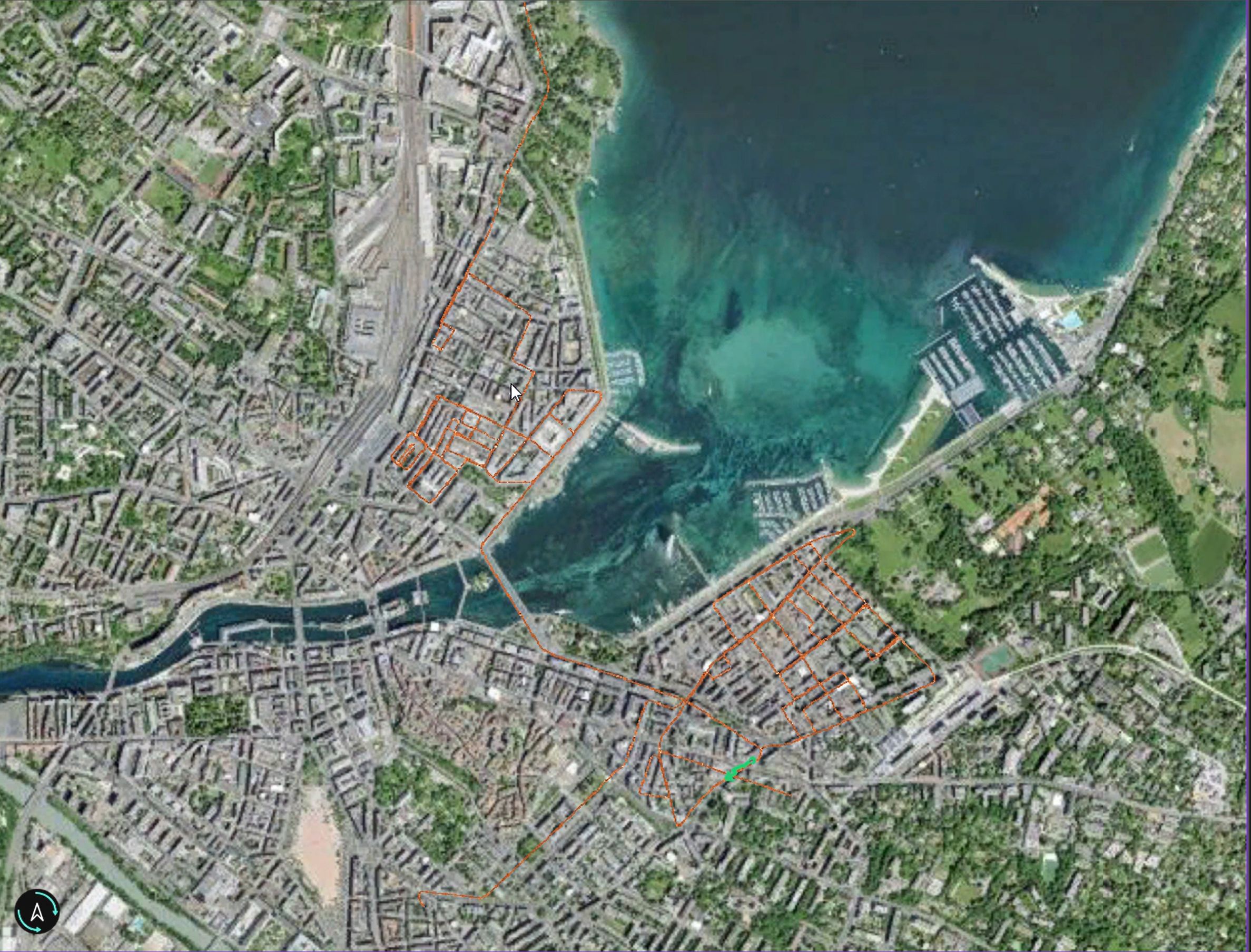
Optimized algorithms for rapid processing of large datasets.Real-time rendering. Efficient handling of dense multi-channel datasets.
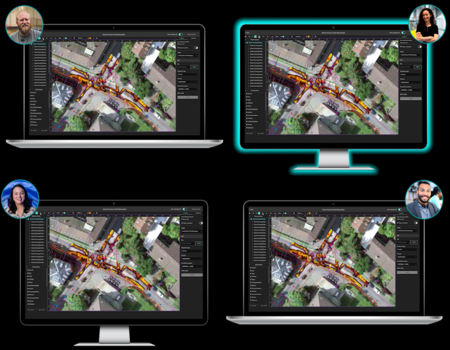
Share projects from cloud. No USB transfers. Share live sessions to work with your team.
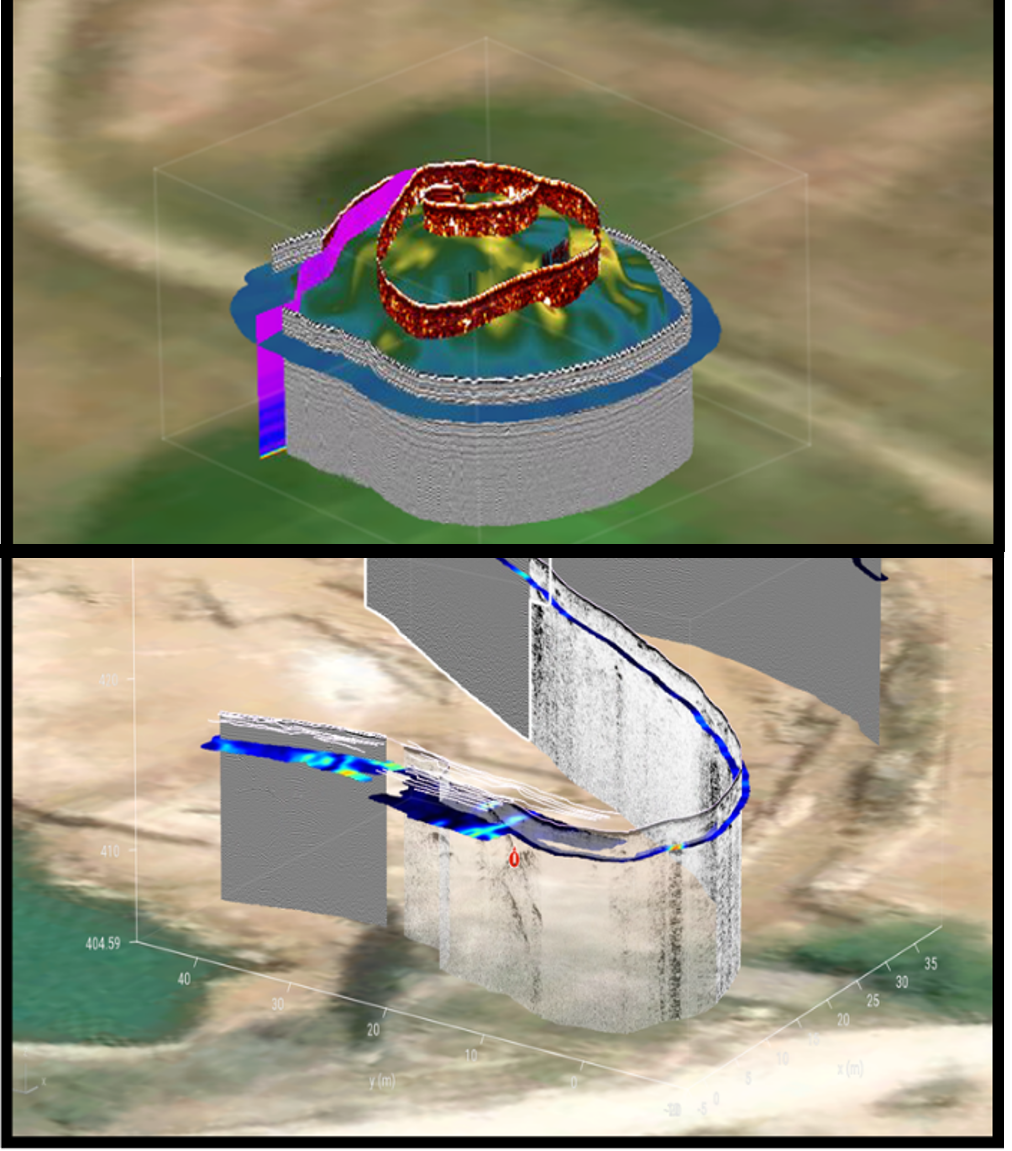
Correct the position of your data based on topography variations. Visualize variations in 3D.

Reads 3rd‑party formats. Supports any GPR brand
Scan with any supported Proceq device or third-party. Proceq data can be uploaded from the field app to the cloud as soon as you have an internet connection and direct to GPR Insights.
Filtering and slice generation is automatically applied at project creation! Saves significant time and avoids complex workflows. Filter presets and parameters are optimized based on the probe.
Auto-detect rebars or layers. Tag targets, draw shape of objects and mark anomalies and other targets of interest
Export deterioration maps, sliced and interpretations into the desired formats, georeferenced or not.
Start now a free 30-day trial with access to sample datasets pre-loaded to Workspace. Access from browser, no installation needed.