News

What's new at GPR Insights and more.

Product announcements, release notes, planned masterclasses or webinars and more. Every version, every new feature.

Release · v3.8 GPR Insights v3.8 release
RELEASED · FEB 2026
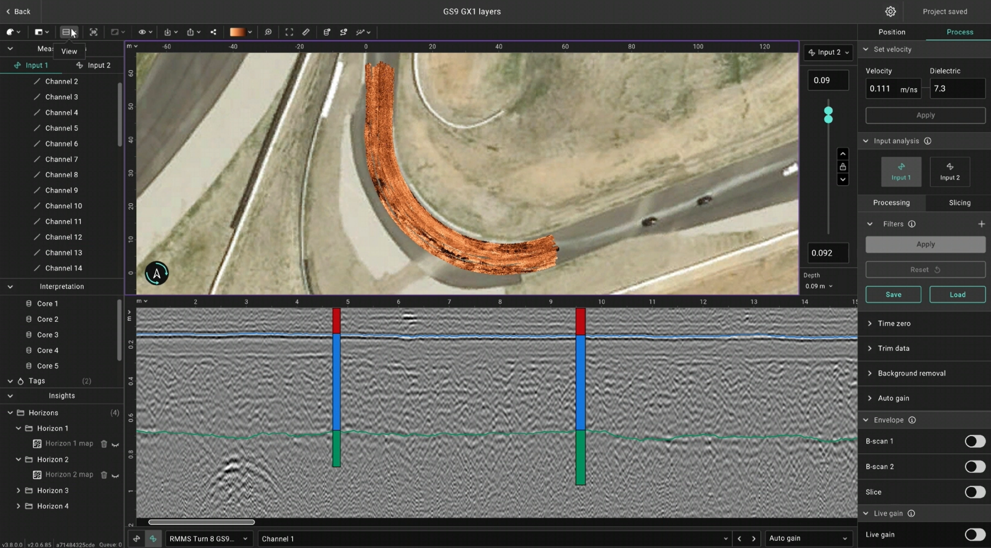
v3.8.0.0 — Coring feature

Improving the pavement analysis feature, you can now import coring/borehole information and calibrate the data.

Read the notes →
News June GPR Masterclass
APR 2026 · ANNOUNCEMENT
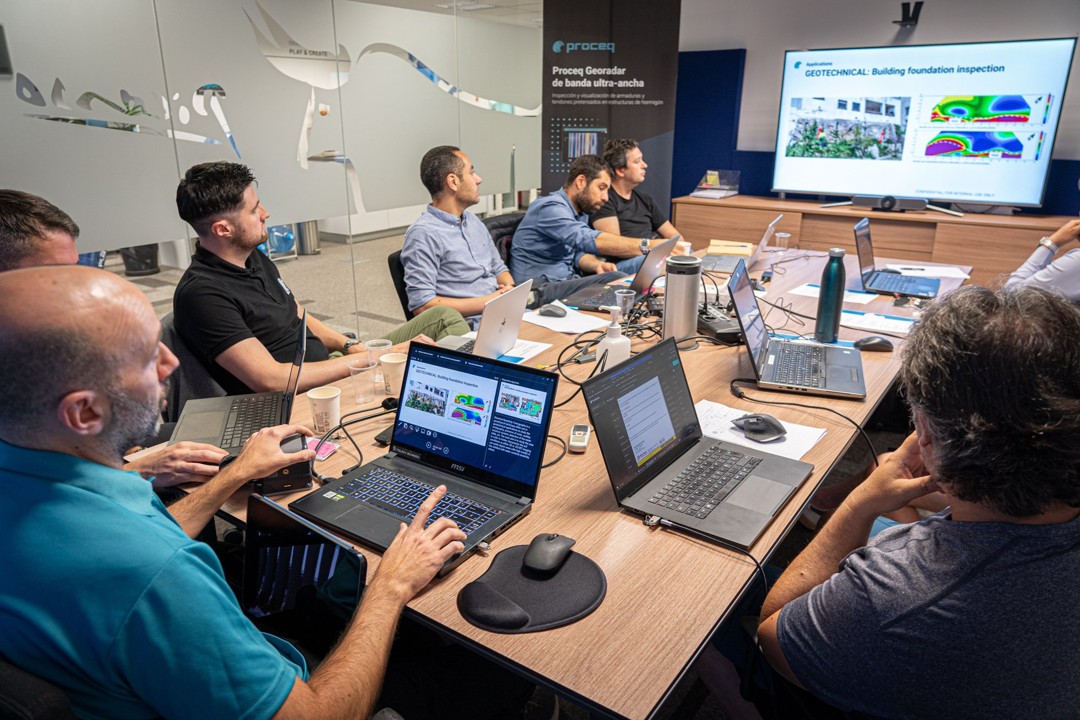
GPR Masterclass - June 2026

Two-day intensive training focused on practical GPR data processing using GPR Insights. Learn directly from experts, work with real datasets, and elevate your subsurface interpretation skills.

Read more →
News Training_center
MAR 2026 · ANNOUNCEMENT
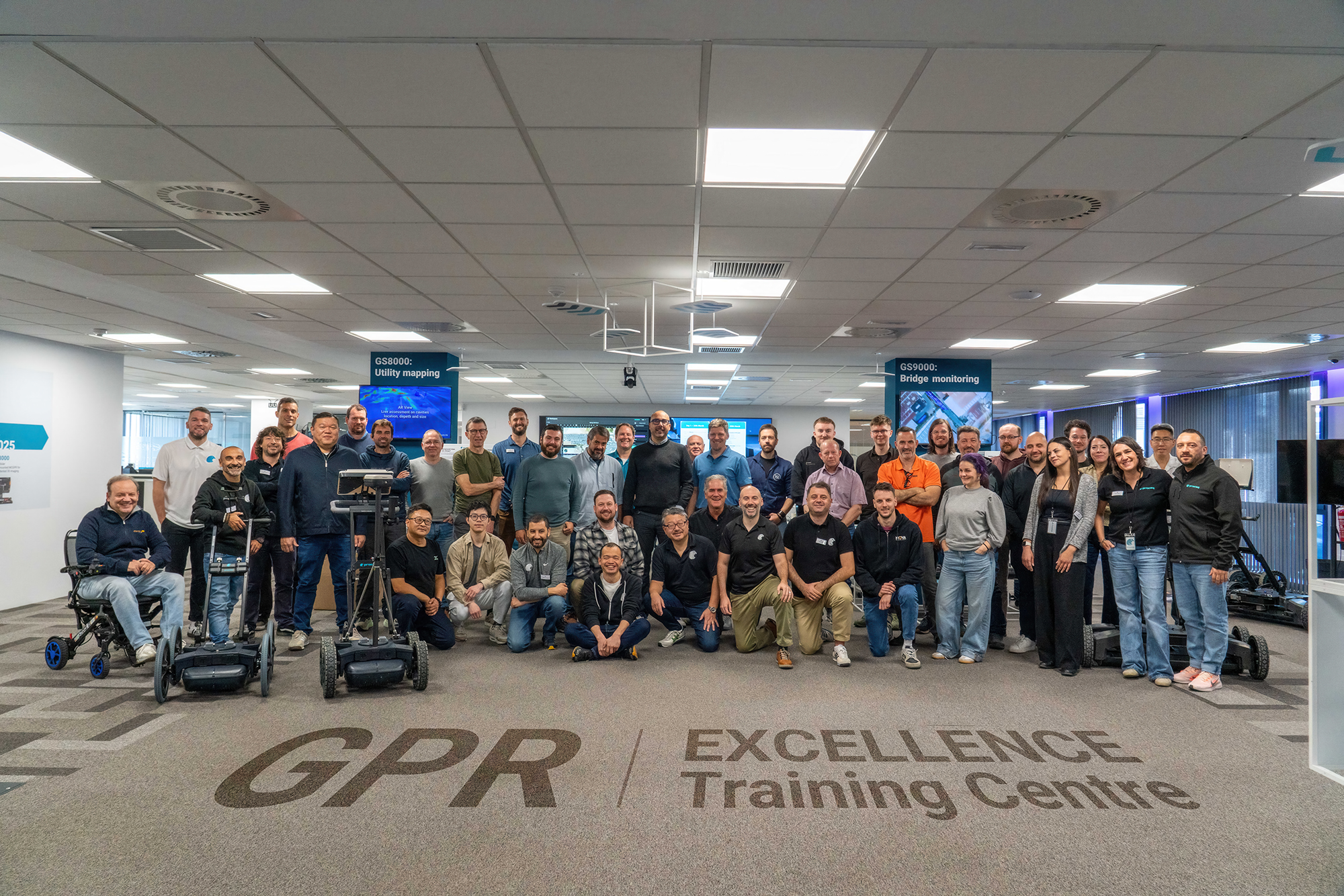
Opening of GPR Excellence Training Center in Malaga

Proceq opened its new GPR Excellence Centre in Málaga, Spain on March 24, 2026. This facility will serve as the global heart for Ground Penetrating Radar (GPR) education, training, catering to the entire spectrum of GPR applications, from large-scale utility mapping to high-resolution concrete scanning.

Read more →
Release · v3.7 GPR Insights v3.7 release
RELEASED · DEC 2025
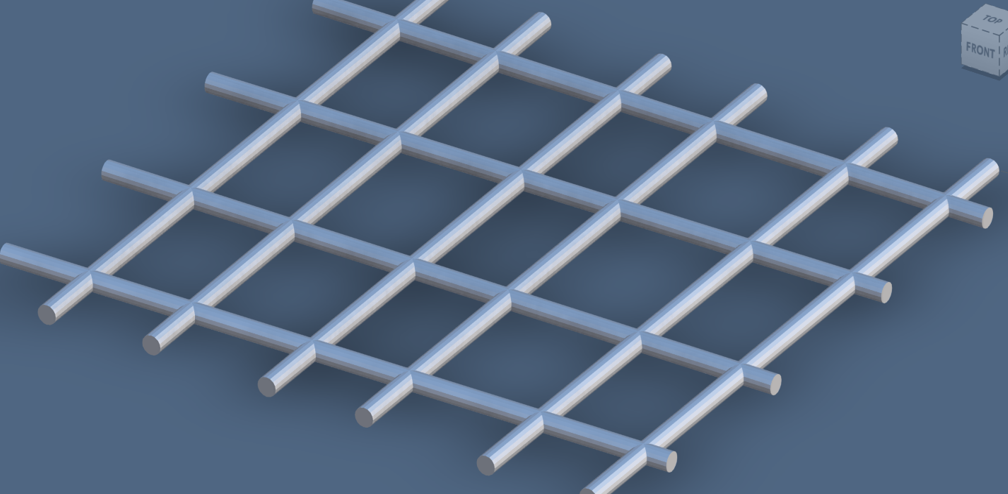
v3.7 — DXF export improvements, GeoTIFF import and more

More flexibility for the DXF export including 3D DXF, GS9 area scan import, improved trajectory editing and more.

Read the notes →
Release · v3.6 GPR Insights v3.6 release
RELEASED · JUN 2025
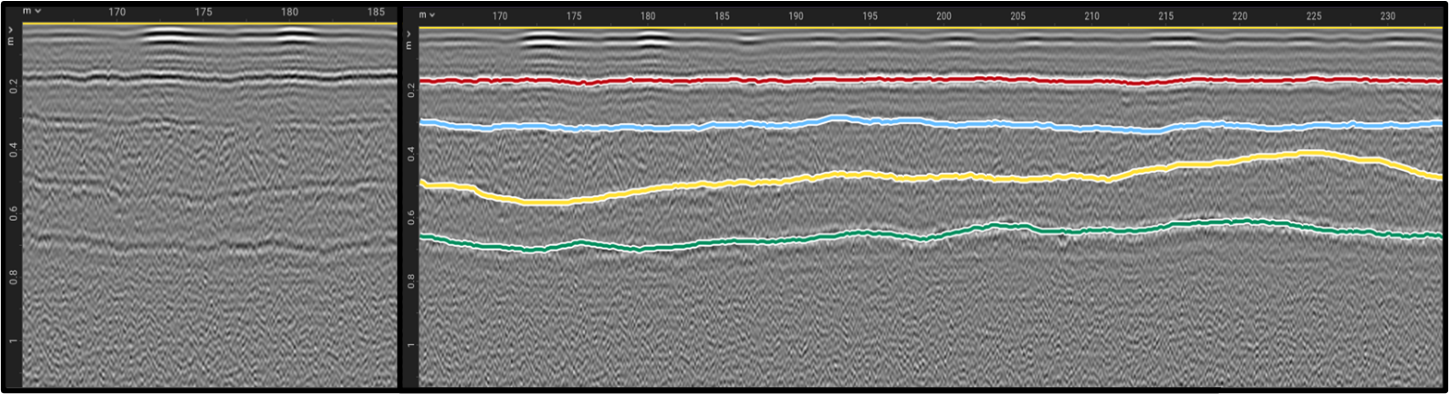
v3.6 — Horizon mapping for pavement analysis

You can now trace pavement layers automatically across the full survey area and create qualitative maps

Read the notes →
Release · v3.4 GPR Insights v3.4 release
RELEASED · JAN 2025
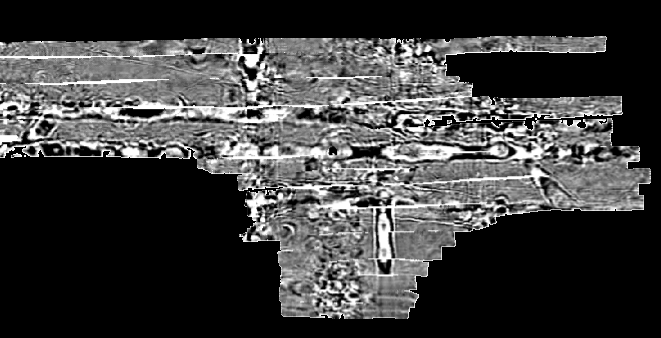
v3.4 — On-demand filters, persistent settings and GeoTIFF export.

New export format released for GPR slice data. Users can now save their preferences.

Read the notes →
Full changelog

Every feature, every version.

Check what's new and what changed in GPR Insights. Most recent on top.

  1. Smaller improvements

    Smaller release with some improvements.

    • Performance improvements — Speed improvements for large data.
    • Import GS9000 data from GS Offline — New format supported for GS9000 data
  2. Import of core/borehole information

    Use ground truth from drilled core samples to calibrate GPR data and mapped layer interfaces.

    • Import cores — part of the horizon mapping for road analysis.
    • Layers view — New view mode to visualize a sketch of the layered structure
  3. DXF export control, GeoTIFF overlays and GS9 area-scan import.

    Finer-grained control over CAD deliverables, the ability to drop georeferenced raster imagery on top of slices, and native ingestion of GS9 area-scan datasets.

    • Import GS9 area scans — native ingest for the GS9 multichannel area-scan format.
    • Choose which elements to export in the DXF — pick what makes the drawing.
    • DXF tag font & size control — select font size and tag size for the DXF export.
    • DXF depth or altitude basis — export coordinates against either reference.
    • 2D or 3D objects in DXF — export objects as flat 2D or full 3D geometry.
    • GM8000 → SEGY — export GM8000 data as SEGY (standalone version only).
    • GeoTIFF overlay on slices — import GeoTIFF imagery as a slice overlay.
    • Altitude in point clouds — export altitude values in point cloud exports.
    • Time-domain size in measurements — shown in the list when creating a new project.
    • Improved trajectory GNSS editing — smoother manual fix-up of recorded GPS points.
  4. Horizon mapping and reusable processing workflows.

    The release that put pavement-layer assessment on rails — auto-trace horizons, save the processing recipe, and read back scan totals at a glance.

    • Horizon mapping — auto-trace layer interfaces across B-scans.
    • Save & load processing workflows — reusable processing recipes.
    • Faster project creation — shorter time from import to first slice.
    • Faster project loading — quicker open on large surveys.
    • Total scanned area & length — surfaced directly in the project summary.
    • Approximate object length — shown for tagged objects.
    • Higher-res snapshot & video export — extended resolution options.
    • Fit-to-viewport B-scan — view the full B-scan in one window without scrolling.
    • Improved 3D view rendering — clearer volumes and faster interaction.
  5. On-demand filters, persistent settings and multi-tagging.

    Quality-of-life work that reshaped the day-to-day: settings stick between sessions, filters apply only when you ask for them, and tags auto-save so a missed click never costs work.

    • Saving user settings — preferences persist across sessions.
    • Apply filters on-demand — processing runs when requested, not by default.
    • Export a slice as GeoTIFF — georeferenced slice output for GIS workflows.
    • Per-window unit management — different data windows can use different units.
    • Multiple tagging & auto-save — no data loss if "Done" is not clicked.
    • Extended zoom-out — see more of the survey at once.

Get every release in your inbox.

Get email updates on release notes and stay up to date with new features and changes.